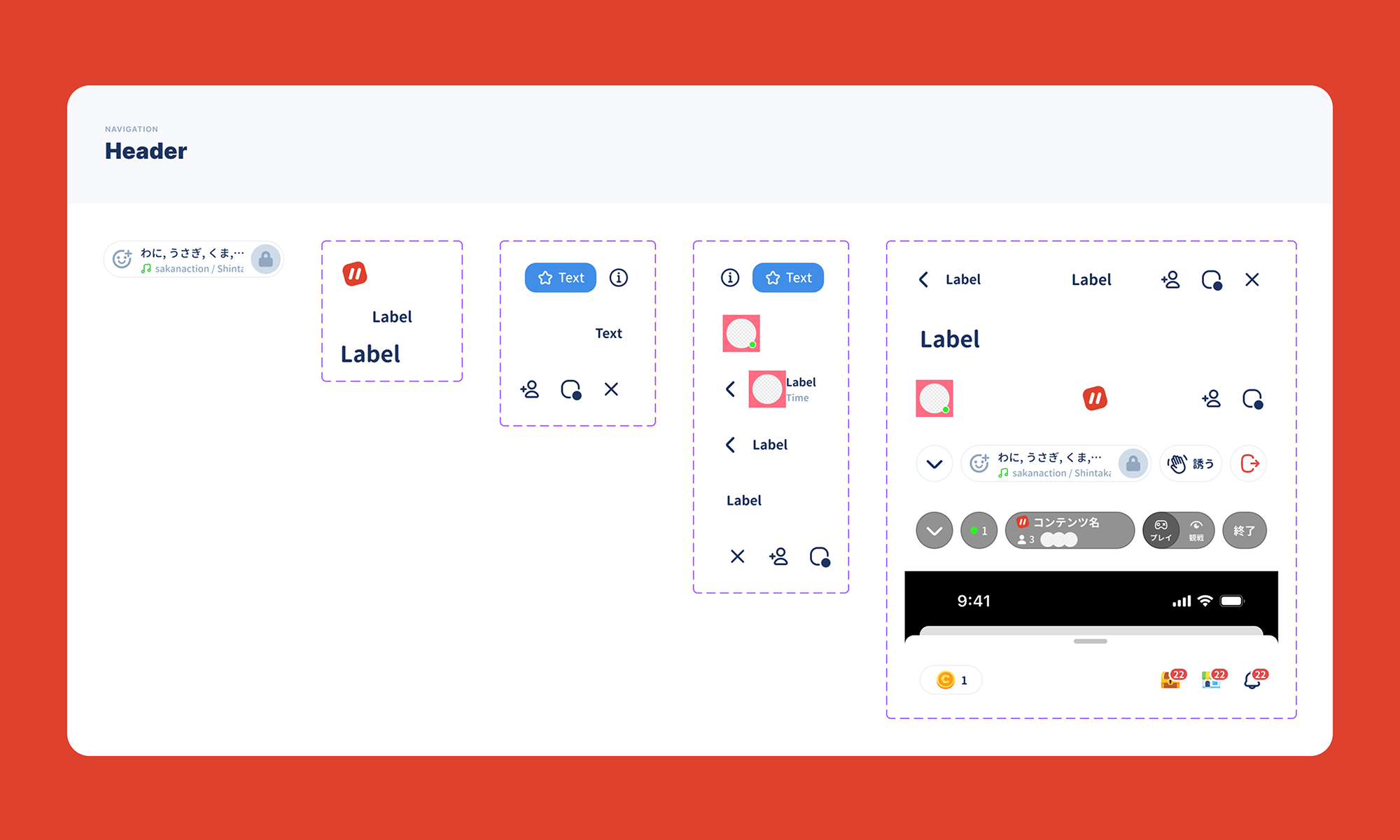
Parallel is a social app for Gen Z that offers an “online hangout” blending chat, voice calls and games with friends. The overall UX is designed to capture the feel of an after-school classroom, where conversation just keeps flowing naturally.
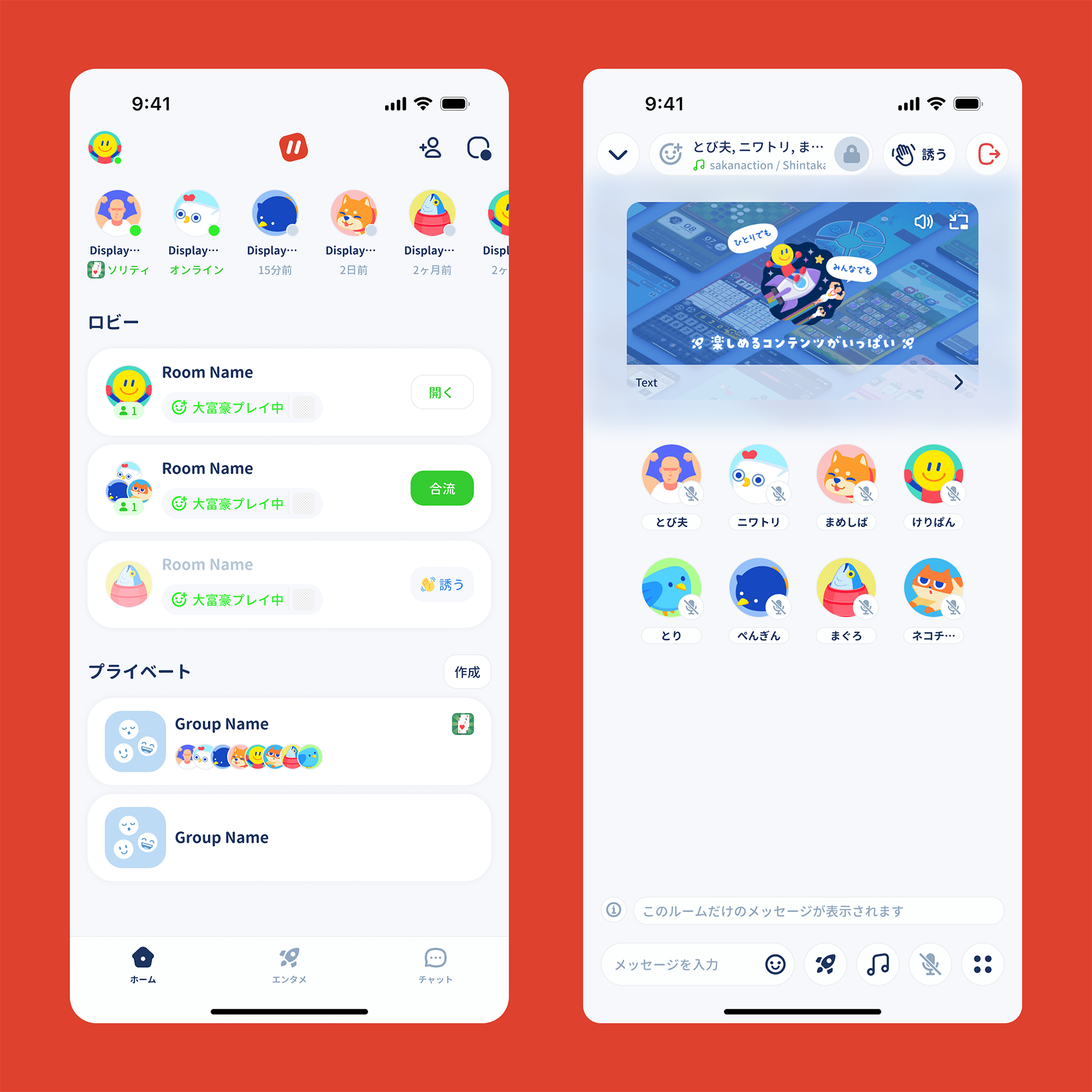
On screens centered on voice calls, I prioritized making it clear at a glance who is talking over text information, so the icon of whoever is speaking is shown larger. This creates a sense of togetherness, as if you were talking face to face.
I also added an ad slot to the call screen for monetization. Rather than simply displaying an ad, I aimed for an experience where it blends in naturally as part of the conversation: the video thumbnail sits behind the call screen with blur and transparency so it fits into the space.
I designed it not to stand out as an ad, but to work as content that sparks conversation between users.